There are two parts to a MoodleCloud subscription, the Site (for teaching content) and the Portal (where you can manage subscription and account details). The Site and Portal are linked, and the main site administrator can access either one from the other.
Your MoodleCloud Site is where you add and manage your site content and users. The following resources are a good place to start:
- Log in to your Site via the site url, with your username,

- You can also access your site via the Portal (see further below).
Your MoodleCloud Portal is only accessible by the main site administrator. The Portal is where you manage your MoodleCloud subscription plan/s and account details:
- Change MoodleCloud account details
- View details of your subscription/s
- Change your site name (subdomain)
- Add another site/subscription to your account
- Upgrade your subscription plan
- View your site usage
- Update your billing details
- Cancel your subscription (stop recurring payments)
- Download your invoices
- Initiate site exports
- Delete your MoodleCloud site
- Use the Help Widget to contact the MoodleCloud Team
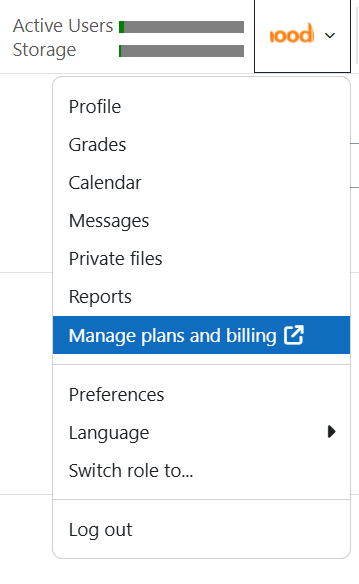
- Access the portal from your site by clicking your profile picture (in the top right-hand corner), and selecting 'Manage plans and billing'.
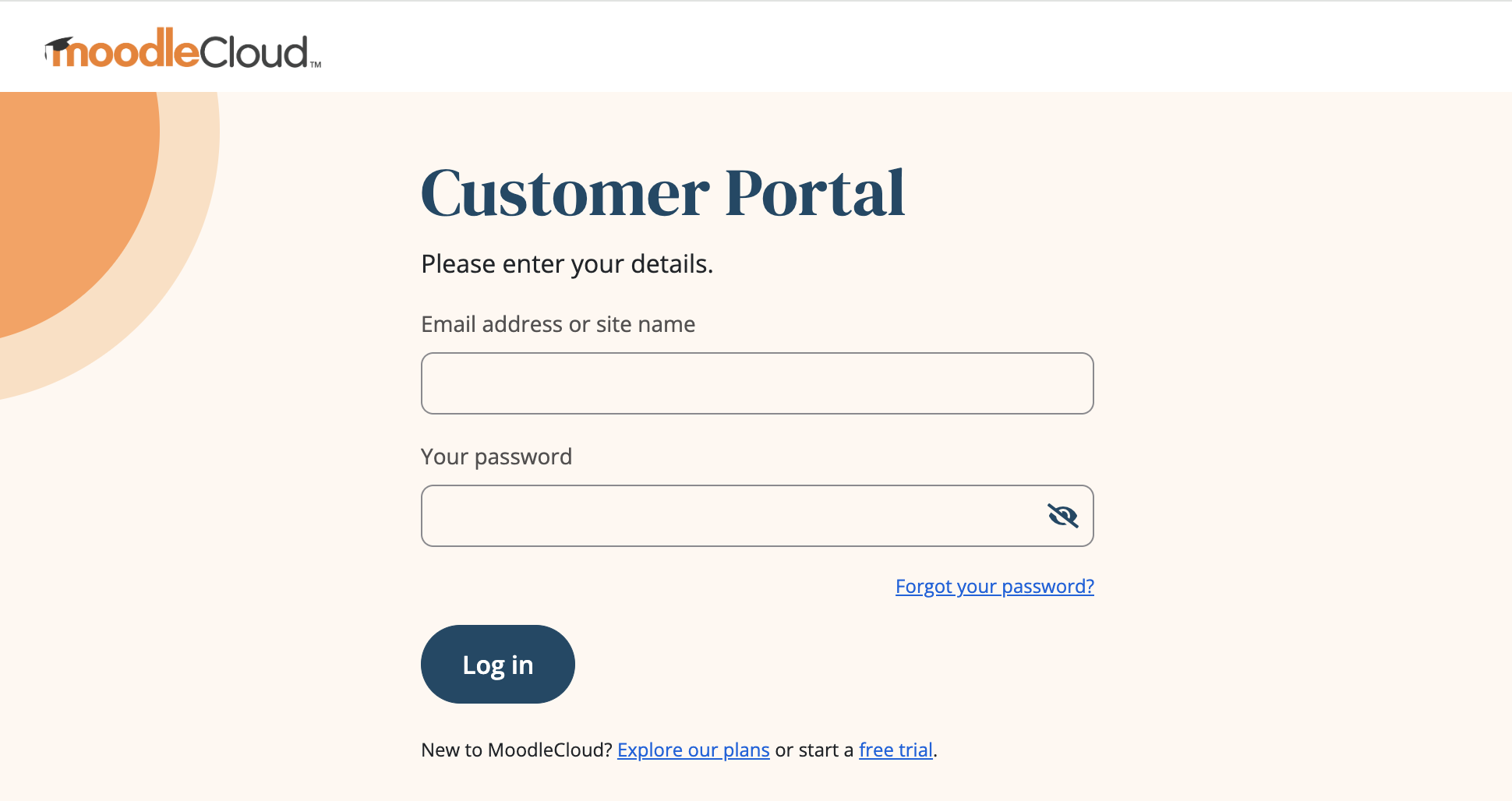
- Log directly in to your Portal via the MoodleCloud Portal login page, with your administrator email address or your site name/subdomain (without .moodlecloud.com),
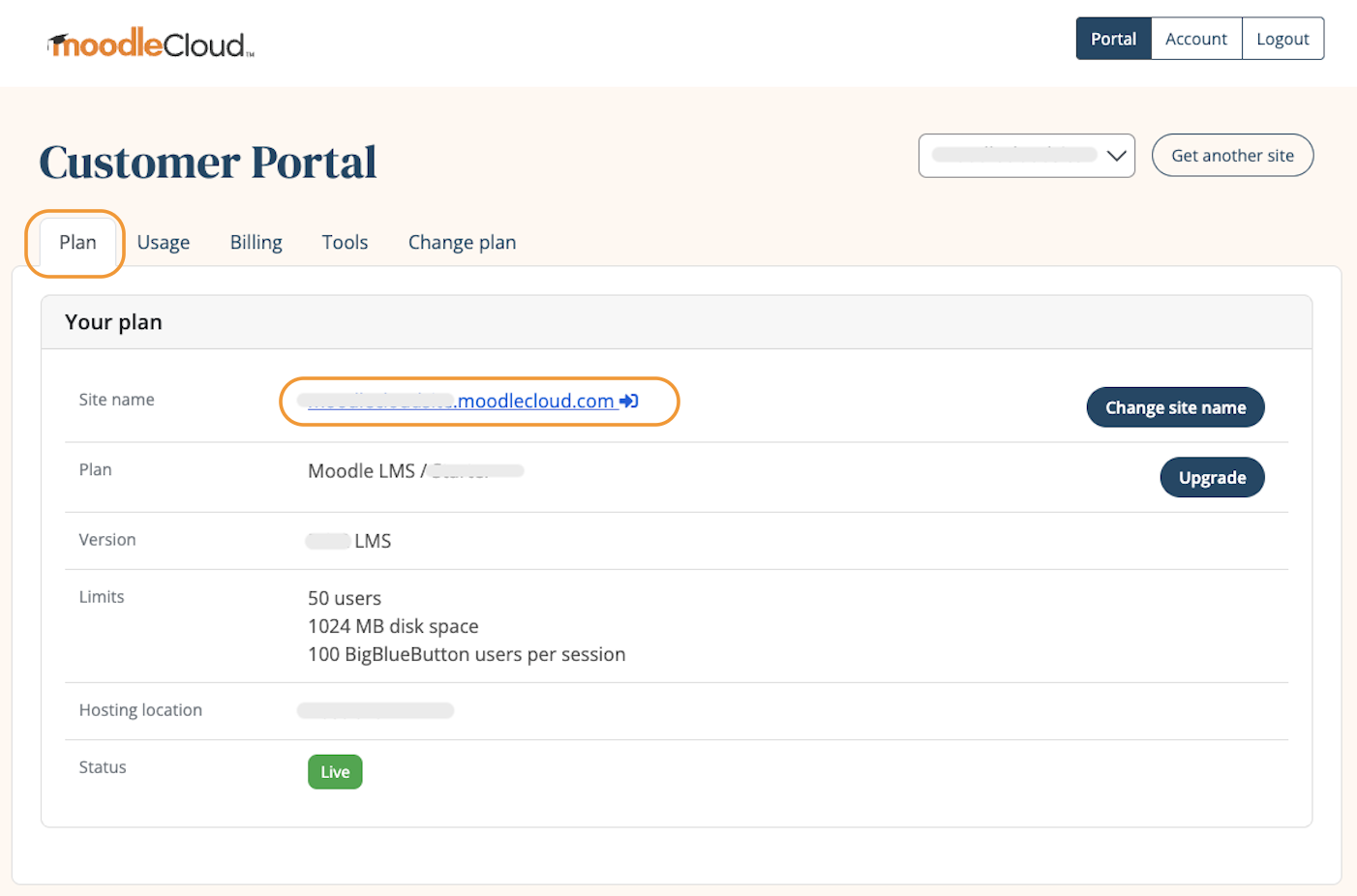
- You can also access your Site from your Portal via the link on your site url (in the 'Plan' tab). If you have multiple sites associated with one account, select the relevant site from the drop-down menu next to "Get another site".
*If you (the site administrator) have forgotten your password, you can reset it from either the portal or the site.
Was this article helpful?
That’s Great!
Thank you for your feedback
Sorry! We couldn't be helpful
Thank you for your feedback
Feedback sent
We appreciate your effort and will try to fix the article